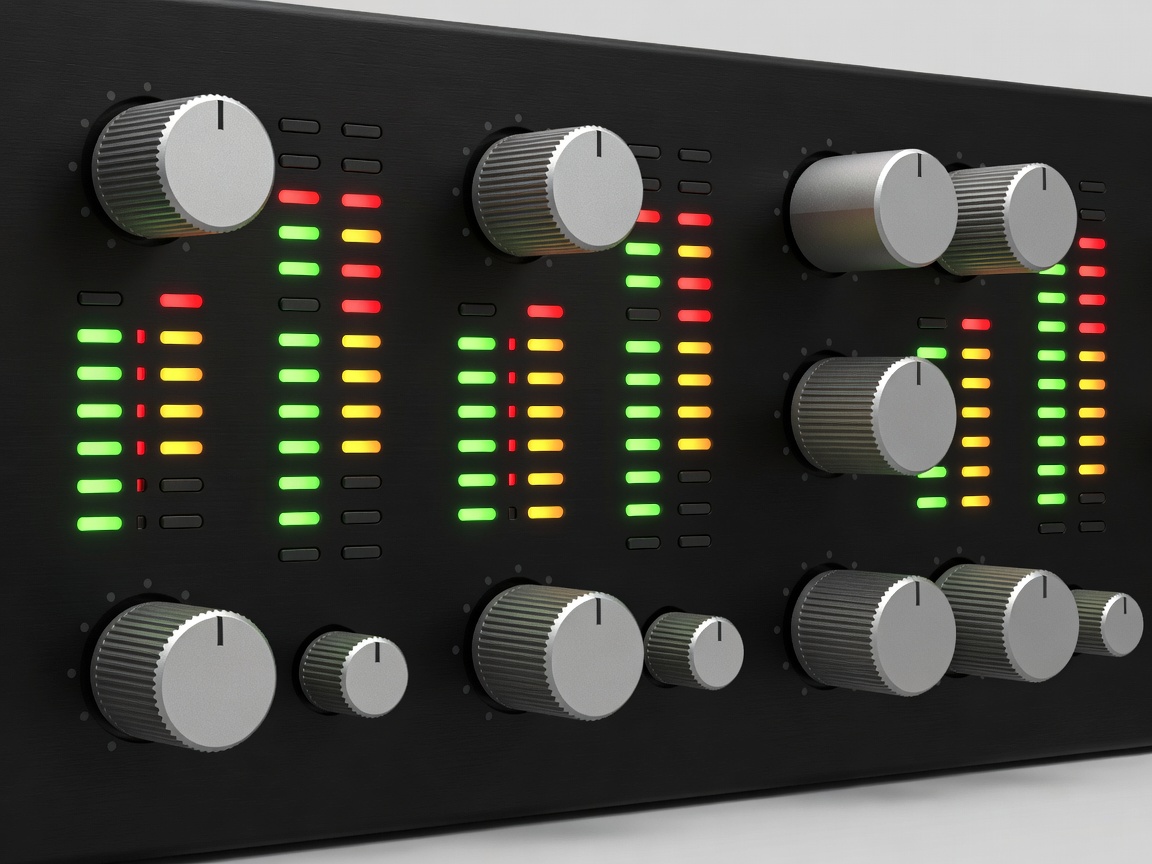
In the era of Digital Audio Workstations (DAWs) running on standard personal computers, the audio interface is the single most critical piece of hardware in a recording setup. A microphone merely captures the acoustic event as an analog voltage. The computer, however, only understands binary code. The audio interface serves as the sophisticated translator between these two fundamentally different worlds.
Core Components of an Interface
While consumer soundcards can technically perform audio input and output, professional audio interfaces are engineered with high-grade components designed to maintain extreme fidelity, minimize latency, and provide necessary connectivity. A standard interface consists of three primary stages.
1. The Preamplifier (Preamp)
Microphones output a very weak electrical signal, often measured in millivolts (referred to as mic-level). This signal is far too quiet for a converter to accurately measure without high noise. The preamplifier's job is to boost this microscopic signal up to standard "line level" without introducing distortion, noise, or altering the frequency response. The quality of the preamp dictates how clean and clear your recordings will be, especially when using low-output dynamic or ribbon microphones. This spec is often measured by EIN (Equivalent Input Noise), where a lower number indicates a quieter preamp.
2. Analog-to-Digital Conversion (ADC)
Once the signal is amplified, it enters the ADC chip. This circuit measures the analog voltage tens of thousands of times per second. The frequency of these measurements is the Sample Rate (e.g., 44.1 kHz, 48 kHz, or 96 kHz). The precision of each measurement is dictated by the Bit Depth (usually 24-bit). The quality of the ADC chip and its internal clock dictates how accurately the analog wave is mapped into digital zeroes and ones. Poor conversion can result in harsh high frequencies and a "smeared" stereo image.
3. Digital-to-Analog Conversion (DAC)
Playback works in reverse. The digital audio from your computer is sent back to the interface, where the DAC chips convert the binary data back into a continuous analog voltage. This analog signal is then routed to your studio monitors or headphones. High-quality DACs are essential for critical listening, ensuring that what you hear is an uncolored representation of the digital file.
Connectivity Protocols
The speed and bandwidth with which the interface communicates with the computer is determined by its protocol. Bandwidth limits how many channels can be recorded simultaneously, while protocol speed impacts round-trip latency—the delay between a sound entering the microphone and being monitored through headphones.
- USB 2.0 / 3.0 / USB-C: The current industry standard for entry to mid-level interfaces. Highly compatible, reliable, and capable of handling dozens of simultaneous channels.
- Thunderbolt: Utilized in high-end studio interfaces, Thunderbolt offers massive bandwidth and near-zero latency by essentially connecting directly to the computer's PCIe bus. Ideal for massive track counts and running intensive DSP plugins during recording.
- PCIe: Internal cards installed directly into desktop motherboards. Historically offered the lowest latency, though modern Thunderbolt has largely replaced it for external convenience.
Choosing the Right Interface
When selecting an interface, the primary consideration should be I/O (Inputs and Outputs). A solo podcaster or singer-songwriter may only need a 2-in/2-out interface. A full band recording live, however, might require 16 or 24 simultaneous inputs.
Look for expandable interfaces that include ADAT optical ports. ADAT allows you to connect an external bank of 8 preamps via a single fiber-optic cable, expanding a small desktop interface into a capable drum-recording rig as your needs grow.
| Specification | Ideal Studio Standard |
|---|---|
| Bit Depth | 24-bit (144 dB theoretical dynamic range) |
| Sample Rate | 48 kHz or 96 kHz |
| Preamp EIN | -128 dBu to -130 dBu (ultra low noise) |
| Phantom Power | True 48V across all microphone inputs |
Ultimately, a robust audio interface should be invisible. It should not color the sound, it should not crash, and it should not introduce perceptible delay. By investing in high-quality conversion and clean preamps, engineers ensure their acoustic captures are pristine before digital processing even begins.